Website Monitoring: Real-Time Uptime, Performance, Reliability, and User Experience Tracking

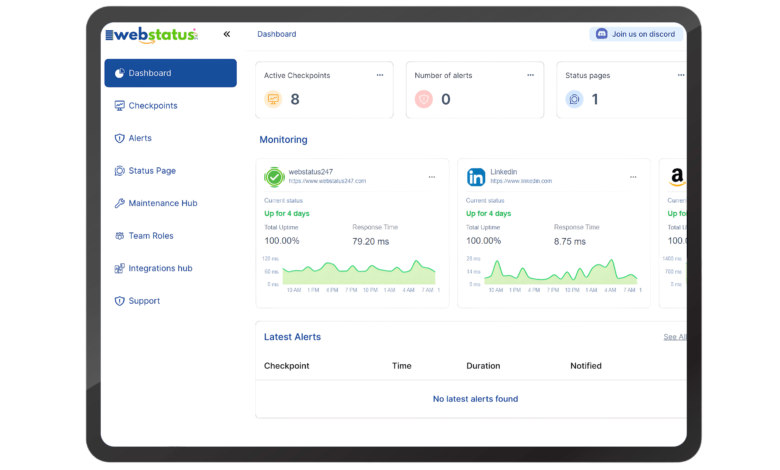
Website monitoring is a continuous process of checking a website’s availability, speed, functionality, and overall health. It ensures that a website stays online (high uptime), loads quickly (strong performance), works correctly (functional stability), and delivers a smooth user experience. Modern website monitoring combines uptime checks, performance metrics, real user data, synthetic testing, alert systems, and detailed reporting dashboards to provide complete visibility into website behavior.
In today’s digital environment, where websites support sales, marketing, customer service, and brand communication, even a few minutes of downtime or slow loading can cause revenue loss, SEO ranking drops, and damaged trust. Website monitoring acts as an early warning system, helping businesses detect problems before customers are affected.
Definition of Website Monitoring
Website monitoring is the automated process of tracking a website or web application to ensure it is accessible, responsive, and functioning correctly at all times. Monitoring systems run tests at scheduled intervals from different global locations. They measure technical metrics such as uptime, response time, load speed, error rates, and workflow functionality.
In simple words, website monitoring answers four important questions:
- Is the website online?
- Is it loading fast?
- Are key features working properly?
- Are real users experiencing problems?
Monitoring applies not only to websites but also to:
- Web applications
- SaaS platforms
- APIs
- Cloud infrastructure
- Servers
By continuously analyzing these elements, businesses gain real-time insights into digital performance.
Why Website Monitoring Matters
A website represents a company’s online presence. If it fails, the business feels the impact immediately.
A. Revenue Protection
For eCommerce websites, downtime means no transactions. Even service-based businesses can lose leads if contact forms or booking systems fail.
B. Brand Reputation
Users expect websites to load within seconds. If a site is slow or unavailable, users may think the business is unprofessional or unreliable.
C. SEO Performance
Search engines like Google consider page speed, uptime, and user experience as ranking signals. Frequent downtime or slow loading negatively affects:
- Core Web Vitals
- Crawl efficiency
- Search rankings
Monitoring helps maintain technical SEO performance.
D. Improved User Experience (UX)
User Experience (UX) depends heavily on speed and reliability. Monitoring helps identify:
- Slow-loading pages
- Broken links
- Server delays
- Script errors
Fixing these issues improves customer satisfaction.
E. Early Problem Detection
Without monitoring, businesses often discover issues only after customers complain. Monitoring systems send instant alerts when problems occur, allowing faster resolution.
F. Competitive Advantage
In competitive industries, website reliability builds trust. Businesses that maintain 99.9% uptime outperform those with frequent outages.
Types of Website Monitoring
Website monitoring includes several specialized categories. Each focuses on different aspects of website health.
A. Uptime Monitoring
Uptime monitoring checks whether a website is accessible. It sends HTTP or ping requests at regular intervals (30 seconds, 1 minute, 5 minutes).
If the website fails to respond or returns an error (such as 500 server error), the system marks it as downtime and sends alerts.
Key Attributes:
- Availability percentage (99.9% uptime)
- HTTP status code monitoring
- Server checks
- Downtime alerts
This is the foundation of website monitoring.
B. Performance Monitoring
Performance monitoring measures how quickly a website loads and responds.
Important metrics include:
- Page load time
- TTFB (Time to First Byte)
- Response time
- Latency
- Error rates
Slow performance increases bounce rate and reduces conversions. Performance monitoring identifies heavy scripts, unoptimized images, or server bottlenecks.
C. Functional Monitoring
Functional monitoring tests specific user actions.
Examples:
- Login functionality
- Checkout process
- Form submissions
- API integrations
A website may appear online, but if the checkout page fails, it directly affects revenue. Functional monitoring prevents such silent failures.
D. Real User Monitoring (RUM)
Real User Monitoring collects performance data from actual visitors.
It tracks:
- Device type
- Browser
- Location
- Real loading times
- Network speed
This helps businesses understand how real users experience the website across different conditions.
E. Synthetic Monitoring
Synthetic monitoring uses scripted simulations to mimic user behavior.
It runs tests such as:
- Logging in
- Adding items to cart
- Completing transactions
- Checking API endpoints
Unlike RUM, synthetic monitoring runs even when no users are active. It ensures continuous testing.
How Website Monitoring Works
Website monitoring operates through automated systems and distributed networks.
Step 1: Monitoring Setup
The website URL is added to a monitoring platform. Users select:
- Check frequency
- Monitoring locations
- Alert preferences
Step 2: Global Checks
Monitoring servers located worldwide send requests to the website. This ensures detection of regional issues.
Step 3: Response Evaluation
The system measures:
- HTTP status codes
- Response time
- Page content
- Error messages
Step 4: Alert Trigger
If the response fails predefined thresholds, alerts are triggered.
Alerts & notifications may be sent through:
- SMS
- Slack
- Push notifications
Step 5: Dashboard Reporting
All monitoring data is displayed in dashboards with:
- Graphs
- Uptime percentages
- Incident reports
- Performance trends
This helps technical teams analyze patterns and improve infrastructure.
Benefits of Website Monitoring
Website monitoring provides both technical and strategic benefits.
1. Higher Availability
Continuous checks reduce prolonged downtime.
2. Faster Response to Incidents
Instant alerts allow teams to fix issues before customers notice.
3. Improved SEO Results
Stable uptime and faster speed improve Search engine optimization rankings.
4. Better Infrastructure Planning
Monitoring reports show whether:
- Servers are overloaded
- CDN performance is weak
- Hosting upgrades are needed
5. Increased Customer Trust
Reliable performance increases credibility.
6. Data-Based Optimization
Monitoring tools provide insights for:
- Speed optimization
- Error reduction
- Code improvements
7. Reduced Operational Risk
Monitoring acts as digital insurance by reducing unexpected failures.
Website Monitoring Tools & Platforms
Several platforms offer comprehensive monitoring solutions.
Webstatus247
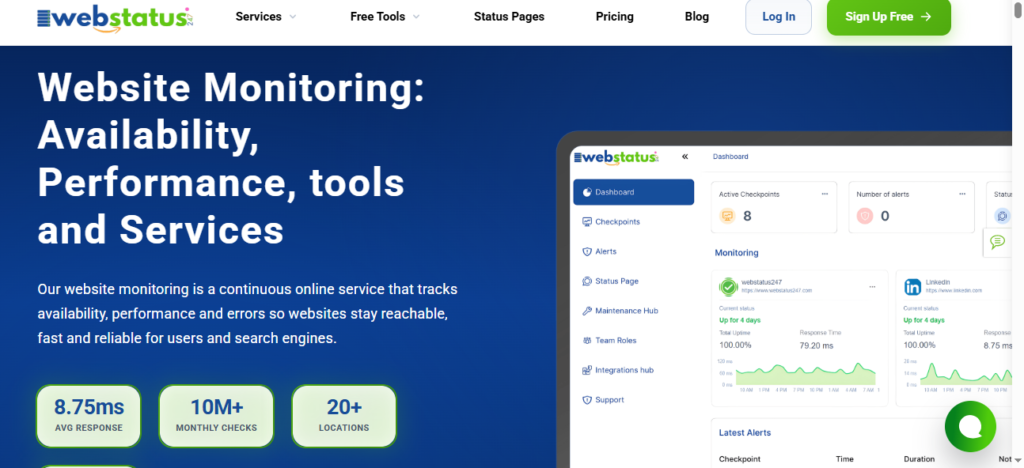
Features:
- 60 Monitors for free
- Email and SMS alerts
- Easy setup
- Basic reporting
- 10+ Locations Monitors globally
- Offer life time budget with affordable price
Best for all types of businesses
UptimeRobot
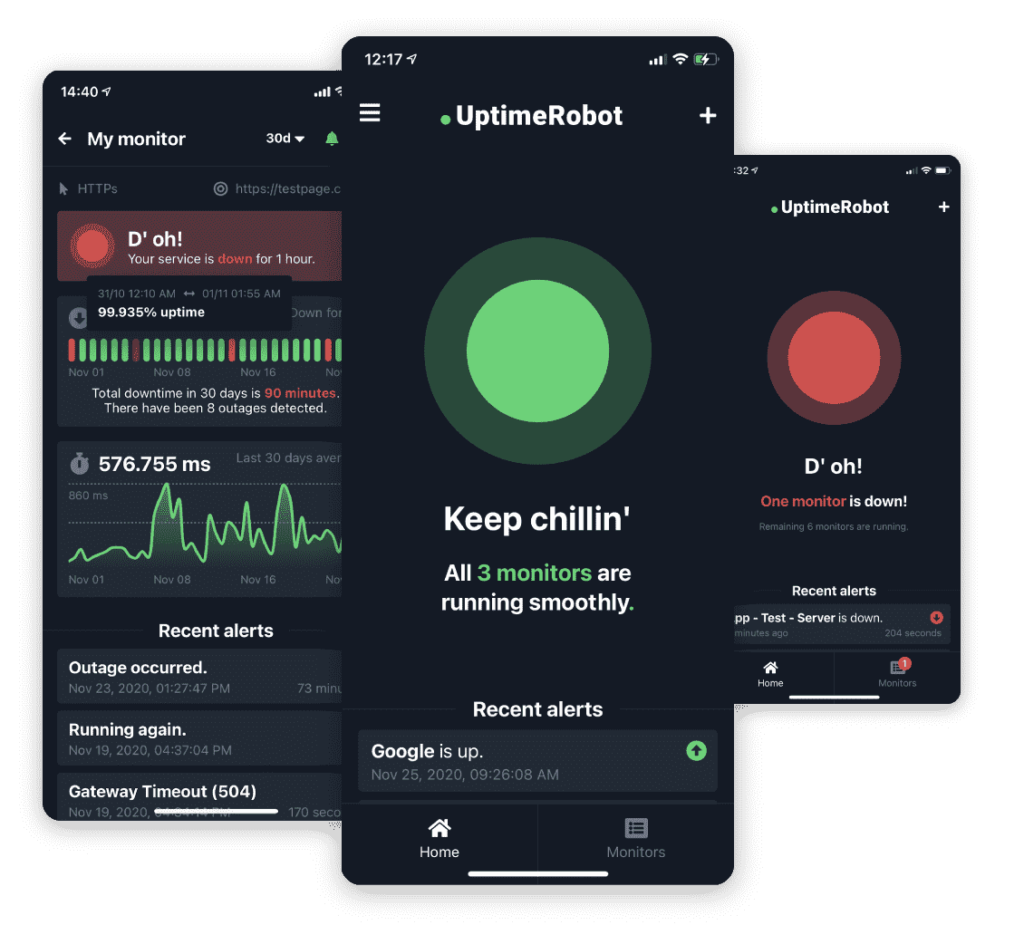
Features:
- Free uptime monitoring
- Email and SMS alerts
- Easy setup
- Basic reporting
Best for small websites and startups.
Site24x7
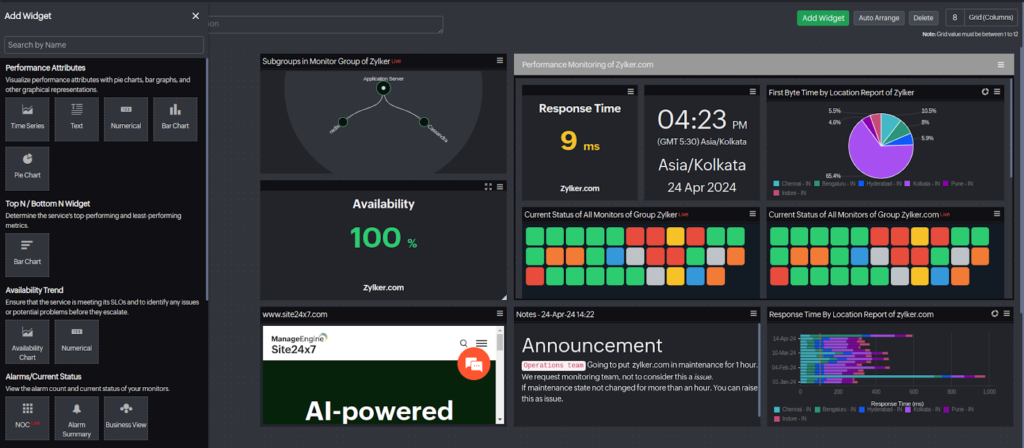
Features:
- Uptime monitoring
- Performance monitoring
- Real User Monitoring
- Server & cloud monitoring
Suitable for growing businesses and enterprises.
Pingdom
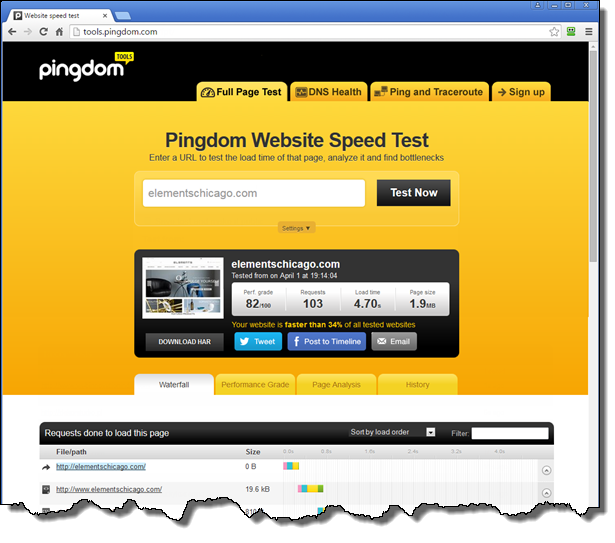
Features:
- Speed testing
- Transaction monitoring
- Performance insights
- Detailed reporting
Popular for performance-focused analysis.
Frequently Asked Questions (FAQs)
What is website monitoring?
Website monitoring is the process of continuously checking website availability, speed, and functionality.
How often should monitoring checks run?
For business websites, 1-minute intervals are recommended. High-traffic platforms may use 30-second checks.
Does website monitoring help SEO?
Yes. Improved uptime and speed positively impact search rankings and user engagement.
What is the difference between RUM and Synthetic Monitoring?
- RUM collects real visitor data.
- Synthetic monitoring uses automated scripts to simulate users.
Is monitoring necessary for small websites?
Yes. Even small websites need reliability to maintain trust and credibility.
Can monitoring prevent downtime?
Monitoring cannot prevent downtime directly, but it detects problems instantly, allowing faster recovery.
Final Conclusion
Website monitoring is essential for maintaining uptime, performance, functionality, and user satisfaction. It provides real-time alerts, performance insights, and technical data that help businesses improve reliability and SEO performance.
In a competitive digital landscape, a fast and stable website is not optional. Continuous monitoring ensures that businesses stay online, responsive, and trusted by users worldwide.
See more amazing Information visit Fact News